O365 Shared Mailbox sent items

By default, when “sending as” a shared mailbox, the sent items go into the users sent items folder. Unfortunately, it is not possible to change this to be the shared mailbox, but it is possible to put a copy in the shared mailbox’s sent items folder. The below script will enable this for all shared … Read more


O365 Shared Mailboxes – sent items go into users folder

The default behaviour for items sent from a shared mailbox is to go into the users sent items. We had a requirement to save a copy in the shared mailbox sent items folder. this script modifies the mailbox so that email sent either “on behalf” or “as” the mailbox get copied into the shared mailbox’s … Read more

Removing Always On VPN Tunnels

Recently, we were in a situation where we needed to remove some left over Always-on VPN user tunnels from a lot of Windows 10 machines. (We had duplicate profiles, and this was a tidy up exercise) The following scripts address this issue, it gets a list of all the VPN connections and then removes all … Read more

Show meeting details for an Office 365 Room calendar

The default behavior in Office 365 is to only show meetings in room calendars as ‘busy’ – sometimes you want people to be able to see the details. This is easily changed through a couple of lines of PowerShell. This is caused by the permissions on the ‘default’ user. Let’s look at the permissions – … Read more

Unlicense Disabled Office 365 Users

We have a constant churn of staff, as does any large organisation. One of the challenges is to ensure that anyone who has left has their account disabled in AD. All good, we have that process. We also use Azure AD Sync to sync users to our Office 365 tenant. Disabling a user however, does … Read more

WSUS Reset and Re-Authorize

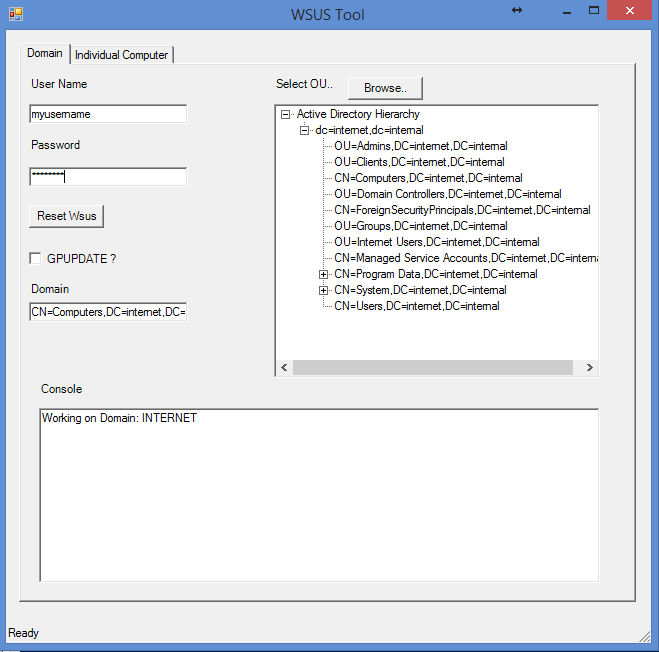
Recently I came across  a customer site where a lot of the machines had stopped receiving updates from WSUS, despite being visible in the WSUS console and having shown as reported in. I decided to write a powershell script to parse all the machines in AD, stop the Windows Update service, delete the SoftwareDistribution folder, … Read more